The Vehicle Inspection Centre (VIC) Owner can access the Owner Landing Page after logging in to Integrated Vehicle Safety Emissions Inspection Program (IVSEIP) Portal.
To view the “Vehicle Inspection Centre Transaction Report,” click “Get Started” on the “I want to view information on a Vehicle Inspection Centre” card.

You will be redirected to the VIC Administrative Management Page and can select a VIC from the drop-down menu to begin followed by clicking the “Next” button.

The VIC Administrative Management Page for the selected Vehicle Inspection Centre will display and you can click on “View or Create Reports“ button to further see the FCRA report(s).

You can now enter one or more of the following search parameters:
- Vehicle Inspection Centre ID/Name – if there are multiple VICs, you will be able to select all Vehicle Inspection Centres, or you can choose the specific ones you want to view the report for
- Date From – Starting date of collection period
- Date To – Ending date of collection period
- PAD ID – Pre-Authorized Debit (PAD) ID for the transaction

Click the "Create Report" button to see the results.
The results for the search will be presented under the Report List section.
You can click on any row in the Report list to review transaction level details of the billable transactions.
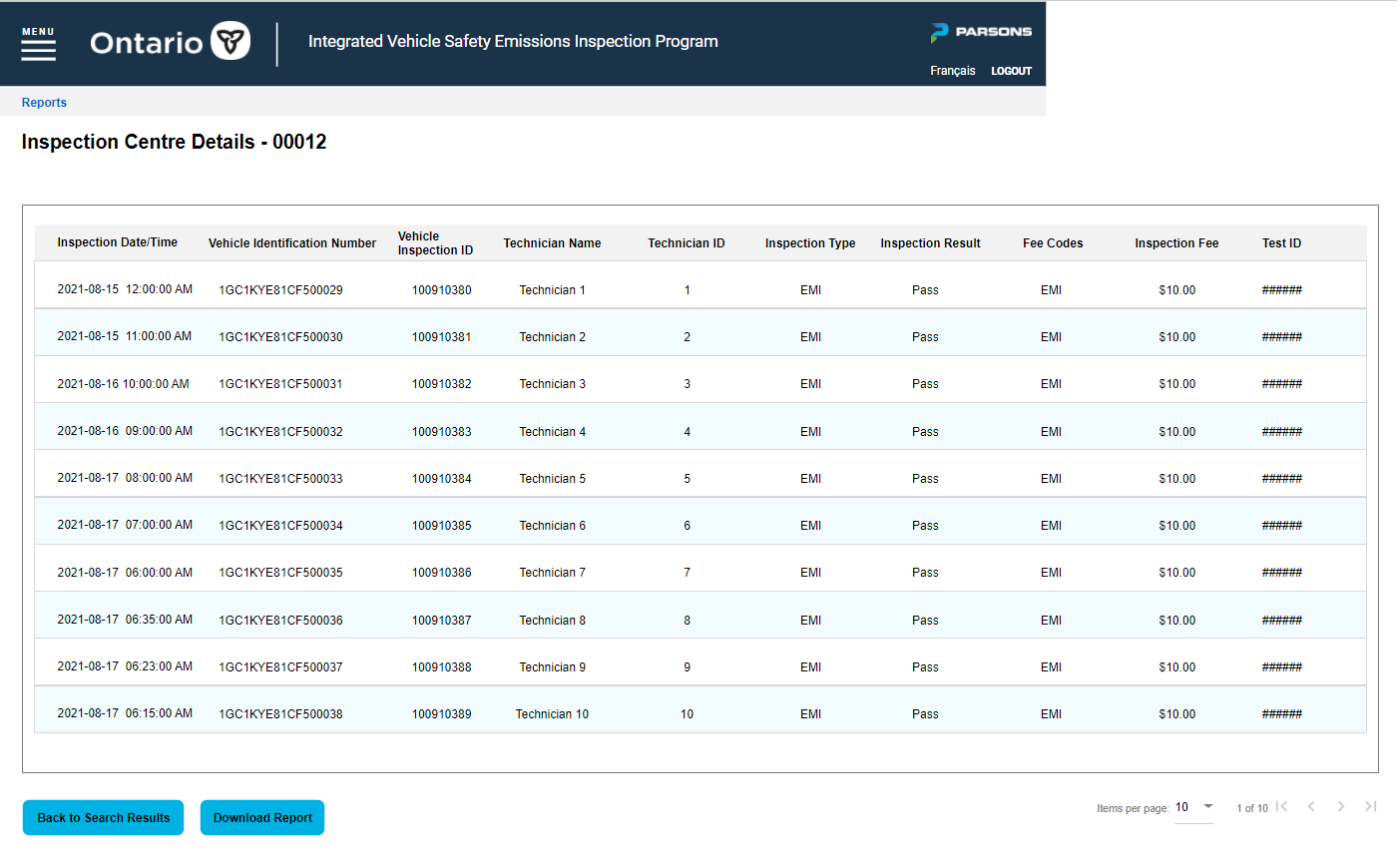
Click on the “Download Report” button to download the report as an Excel file.
Clicking on the “Back to Search Results” will take you to the previous screen.
Comments
0 comments
Article is closed for comments.